Asciilands.
A small start.
A world to build.
Your companion to the open world.
Gather your first resources, forge better tools, and find a place to call home.
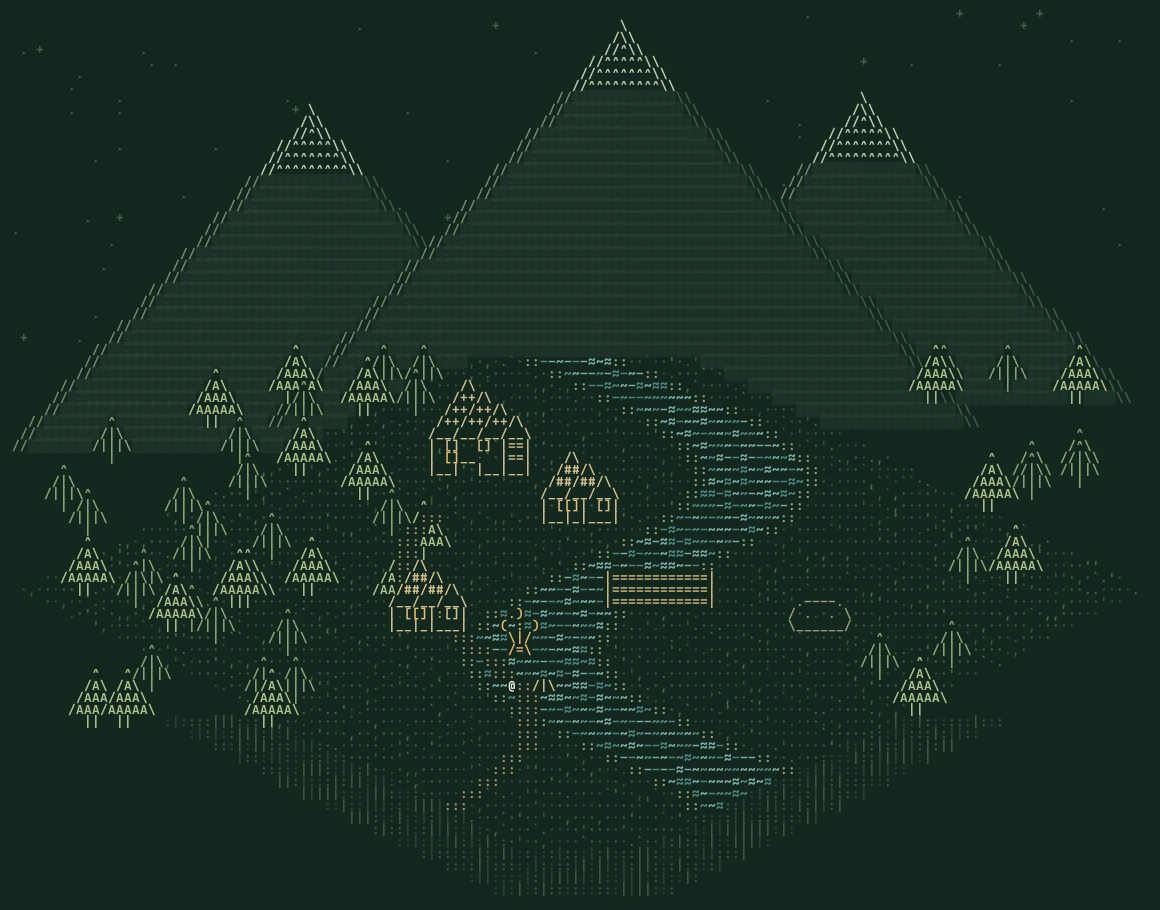
From bare hands to your first camp.
Learn the land. Leave your mark.
Beginner guide
Start Asciilands with a clear route from wood, stone and fiber to a workbench, stone tools, food, a rest point and your first journal goals.
Controls & hotkeys
Find Asciilands keyboard and mouse controls for movement, inventory, crafting, building, combat, spells, fishing and social menus.
Crafting & forge
Follow Asciilands crafting from stone tools to bronze, iron and steel. Compare stations, smelting recipes, forge quality and anvil repairs.
Building & decay
Build an Asciilands shelter, understand one-day wilderness decay, maintain structures, use stone supports and protect accessible storage.
Combat & magic
Learn Asciilands melee guard, bow controls, stamina management and the path from magic flowers to inscriptions, a Glyph Wand and spells.
Towns & parties
Understand Asciilands Discord accounts, eight-player parties, town founding, 50-metre plots, permissions, shared storage and daily upkeep.
The frontier keeps changing.
These guides follow the current published game help, including the Frontier update. Check the live recipe before spending materials; keep a reserve before expanding your town.
Small glyphs.
Big adventures.
Asciilands is Qaztarrr’s multiplayer survival and building sandbox. The landscape is rendered in text, but the decisions are familiar: what to gather, where to settle, and who to build with.
Begin alone or meet friends in the shared world. This guide helps with the route from your first workbench to metal tools, inscriptions and a town treasury.
Explore the official game ↗A few things worth knowing.
Is Asciilands free to play?
Yes. The official FAQ says the game is free, with voluntary donations supporting development and hosting. Start through the official browser game; this guide does not sell game access.
Can I play Asciilands on a phone?
The official FAQ currently supports desktop and laptop browsers. Mobile support is discussed as a possible future step, not a released feature or a promised date. This guide itself works on mobile so you can read it beside a computer.
Do I need Discord to play?
You can enter as a guest. Link Discord for cross-device character access and the Friends, Parties and Towns systems. Use the official game’s sign-in; no account is required on this guide.
Does guest progress save?
The game saves progress on the server, including guest progress. A guest character’s access belongs to its browser. Clearing site data, changing browser profiles or closing a private session can lose access even though progress was saved server-side.
Will there be world wipes?
Wipes remain possible. The official FAQ describes a preference to limit a necessary wipe to builds and the world where possible, rather than necessarily removing items. This is not a no-wipe guarantee or a published wipe schedule.
Game basics: official FAQ. Walkthroughs: published in-game help. Checked October 23, 2026. About this independent guide.